


Installation Tips from a Heat Sink Manufacturer?
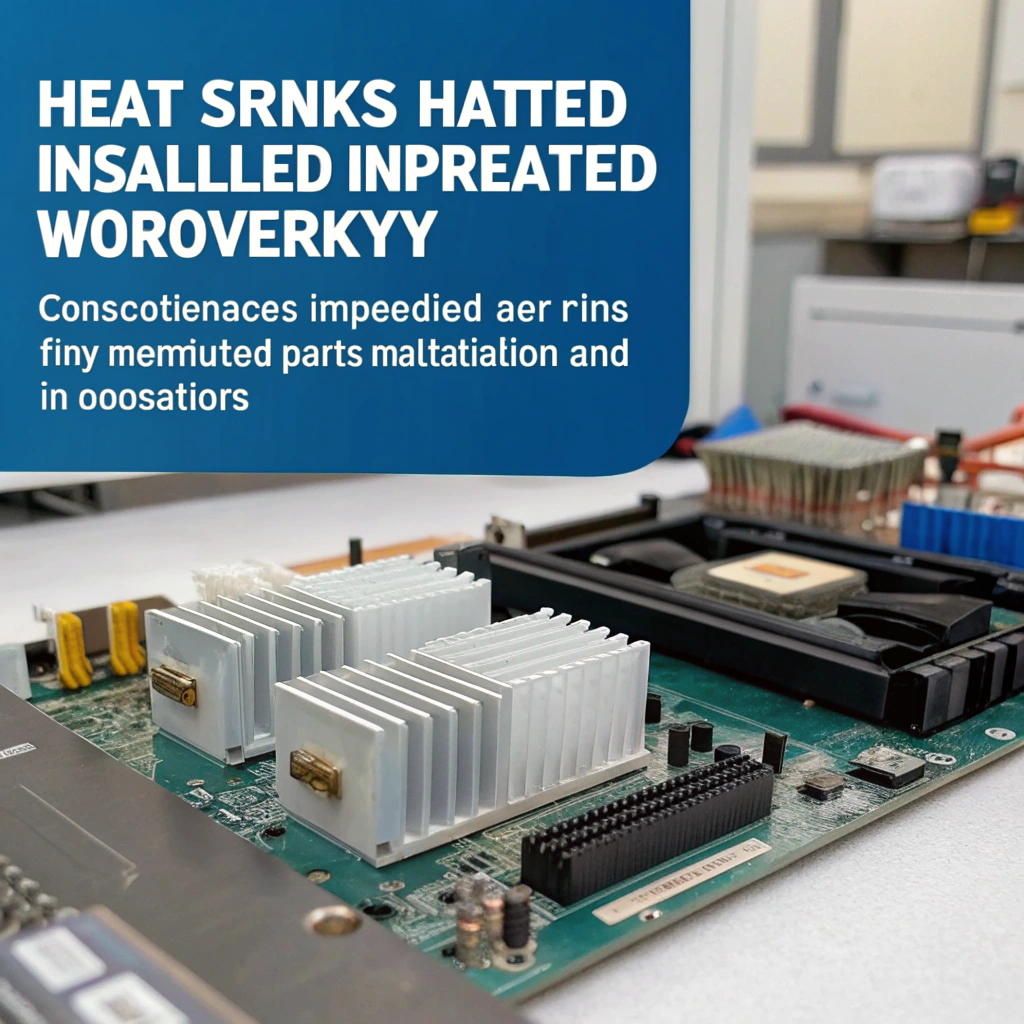
When heat sinks are installed the wrong way, components overheat, systems fail, and costs rise — but most of this can be avoided.
Correct installation ensures tight contact, low thermal resistance, and reliable heat flow — all of which protect components and enhance system performance.
Many people choose a quality heat sink but still face overheating issues — the problem is usually in the mounting process. Let’s go through the core installation advice, why it matters, how to apply it, and what trends you should prepare for.
What installation tips do heat sink manufacturers provide?
You might think you just bolt on a block of metal and you’re done — but that’s not enough.
Manufacturers emphasise surface cleanliness, correct thermal interface, appropriate mounting force, and alignment of the sink to the heat source for optimal heat transfer.

When I worked with custom aluminium‑extruded heat sinks, we noticed that even small errors in installation would create major heat problems. Based on what manufacturers and engineers recommend, here are the key tips:
1. Clean both contact surfaces
Both the chip and the heat sink must be clean, smooth, and flat. Dust, oil, or leftover paste will block heat. We always clean surfaces with isopropyl alcohol before applying anything.
2. Apply the right thermal interface material
Use a thin, even layer of paste, or apply a thermal pad if provided. Too much paste blocks heat. Too little leaves air gaps. Pads must sit flat and cover the right area.
3. Apply even and correct pressure
Tighten screws in a diagonal pattern to spread pressure evenly. Over-tightening can warp the heat sink or crack the chip. Under-tightening leaves air gaps.
4. Align for airflow
Most heat sinks have fins or pipes that rely on airflow. Install them so that air flows through, not across or against, the fins. Otherwise, heat can’t escape fast enough.
5. Use fresh or undamaged components
Bent fins, dented bases, or warped brackets ruin the contact. Always inspect for defects. We replace any heat sinks that have uneven contact surfaces.
6. Use the right mounting method
For industrial settings, like solar frames or CNC equipment, use brackets or vibration‑resistant mounts. In those environments, basic clips don’t hold up over time.
| Installation Tip | Why It Matters |
|---|---|
| Clean surfaces | Prevents thermal resistance |
| Thin thermal interface | Fills gaps, avoids insulation |
| Even pressure | Maximises surface contact |
| Correct alignment | Ensures proper heat dissipation |
| Undamaged sink | Maintains base contact and shape |
| Environment-specific mount | Prevents loosening and failure |
A mounting torque that is too low reduces contact pressure and causes higher thermal resistance.True
Manufacturers emphasise that adequate mounting pressure is key to ensuring contact and minimizing interface thermal resistance.
Over‑applying thermal paste always improves heat transfer.False
Too much thermal paste can act as an insulator and create air gaps, increasing thermal resistance.
Why does proper installation improve performance?
Poor installation doesn’t just reduce cooling — it can shorten component life, raise temperatures, and cost you downtime.
Proper installation minimises thermal interface resistance, ensures full contact between surfaces, avoids hotspots, and so improves overall cooling performance and component reliability.
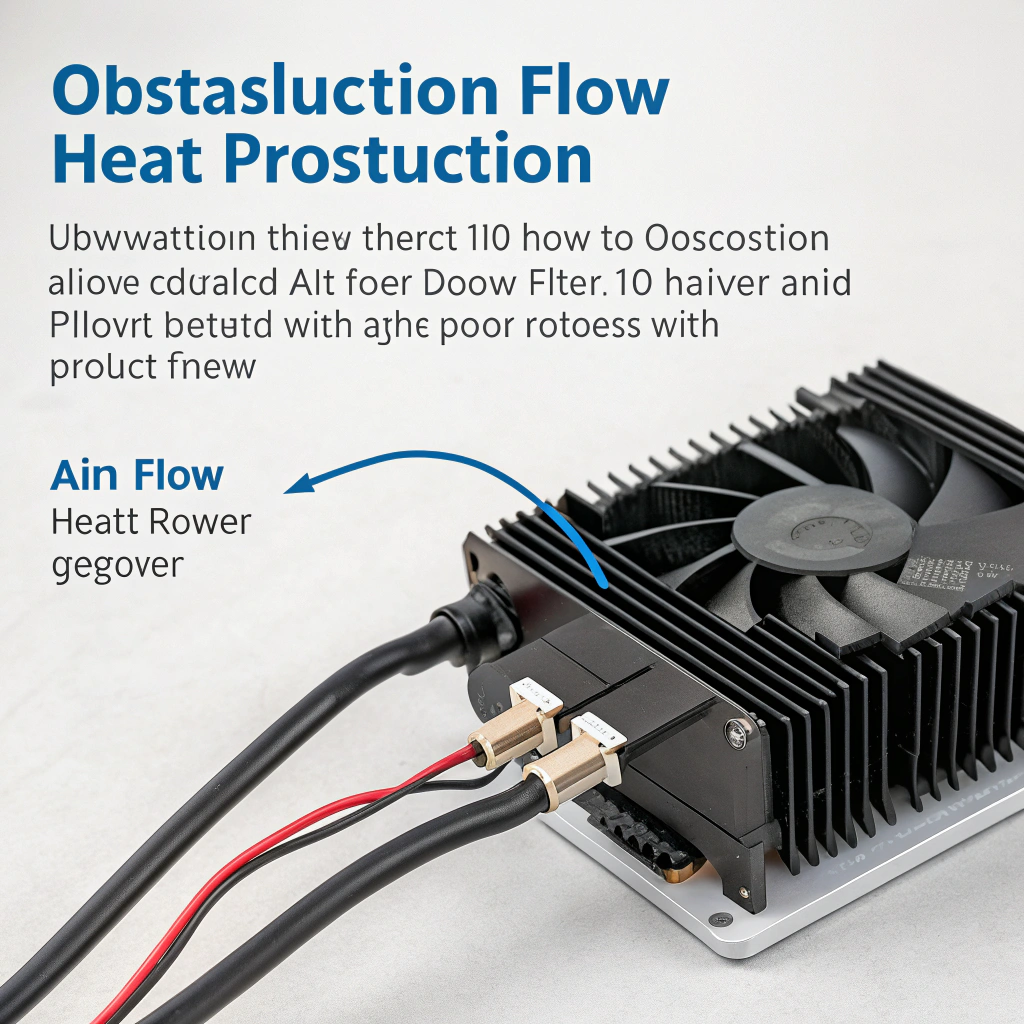
A heat sink is supposed to draw heat away from a component and spread it into the air. But if it’s not mounted correctly, most of that heat stays trapped. That causes chips to overheat, fail early, or throttle performance.
The biggest cause is poor surface contact. Even tiny gaps between the chip and the sink can hold air, which blocks heat. Applying the thermal interface correctly and pressing the sink down evenly helps heat flow into the aluminium.
Orientation matters too. If the heat sink fins are sideways or blocked by cables, the air can’t remove heat. I’ve seen systems where simply rotating the sink by 90° dropped the temperature by 10°C.
Also, using the wrong torque is a problem. If the screws are too loose, the sink isn’t pressing firmly enough. If they’re too tight, the chip can crack or the sink can warp. We use a torque driver in production to make sure it’s just right.
When everything is done properly — clean surface, correct TIM, right pressure, aligned fins — the sink performs to spec. You get stable temperatures, longer component life, and lower system noise since fans don’t have to work as hard.
A properly mounted heat sink with a uniform, thin layer of thermal compound will reduce thermal resistance.True
It ensures full contact, minimal air gaps and good heat flow from chip to sink base.
Once a heat sink is mounted, its orientation relative to airflow has no effect on thermal performance.False
Orientation and airflow direction affect how effectively fins or pipes dissipate heat into the environment.
How to install heat sinks correctly?
Installation is a step‑by‑step process — miss one step and your system may not achieve its potential.
Follow a clear procedure: prepare surfaces, apply interface material, mount the sink with correct force, secure fasteners, check airflow and connections — then verify performance.
Here’s the standard process we use in the factory and recommend to customers:
Step 1: Prepare the surfaces
- Power off and clean everything.
- Use alcohol wipes to clean old thermal paste.
- Check for scratches or warps in both the sink and chip surface.
Step 2: Apply thermal interface
- Apply a small dot of paste (size of a grain of rice).
- For large chips, use an X pattern or spread evenly with a spatula.
- If using a thermal pad, remove the film and place it directly over the chip.
Step 3: Align the heat sink
- Line up mounting holes.
- Make sure fins face airflow direction.
- Check that the sink sits flat on the chip.
Step 4: Secure the sink
- Insert screws or clips evenly.
- Tighten in an X-pattern, little by little.
- Use a torque driver if possible for precision.
Step 5: Connect fans or cables
- Plug the fan into the correct header (CPU_FAN, SYS_FAN).
- Make sure wires don’t block airflow.
- Test fan movement — it should spin freely.
Step 6: Test temperatures
- Power on and monitor temps using software.
- If temperatures are too high, reseat the sink.
- Check airflow and try adjusting orientation.
| Step | Key Checkpoint |
|---|---|
| Clean surfaces | No residue, scratches or dust |
| Apply TIM | Thin, even, not overflowing |
| Align sink | Fins match airflow direction |
| Tighten evenly | Use X-pattern, don’t over-tighten |
| Connect fan | Secure cables, test spin |
| Check temps | Use software to monitor real-time |
Cleaning old thermal compound before mounting a new heat sink improves the thermal interface.True
Residual old compound can create uneven surfaces and reduce contact area, increasing thermal resistance.
Once a heat sink is mounted, you can ignore airflow direction because conduction is all that matters.False
After conduction through the sink base, convective airflow over fins matters a lot — orientation and airflow direction affect performance.
What trends influence installation methods?
As components shrink and heat increases, installation needs to keep up — or systems will fail more often.
Trends include higher power densities (forcing better thermal links), modular and field‑replaceable sinks, use of phase‑change interfaces, and environmental mounting for harsh or mobile applications.
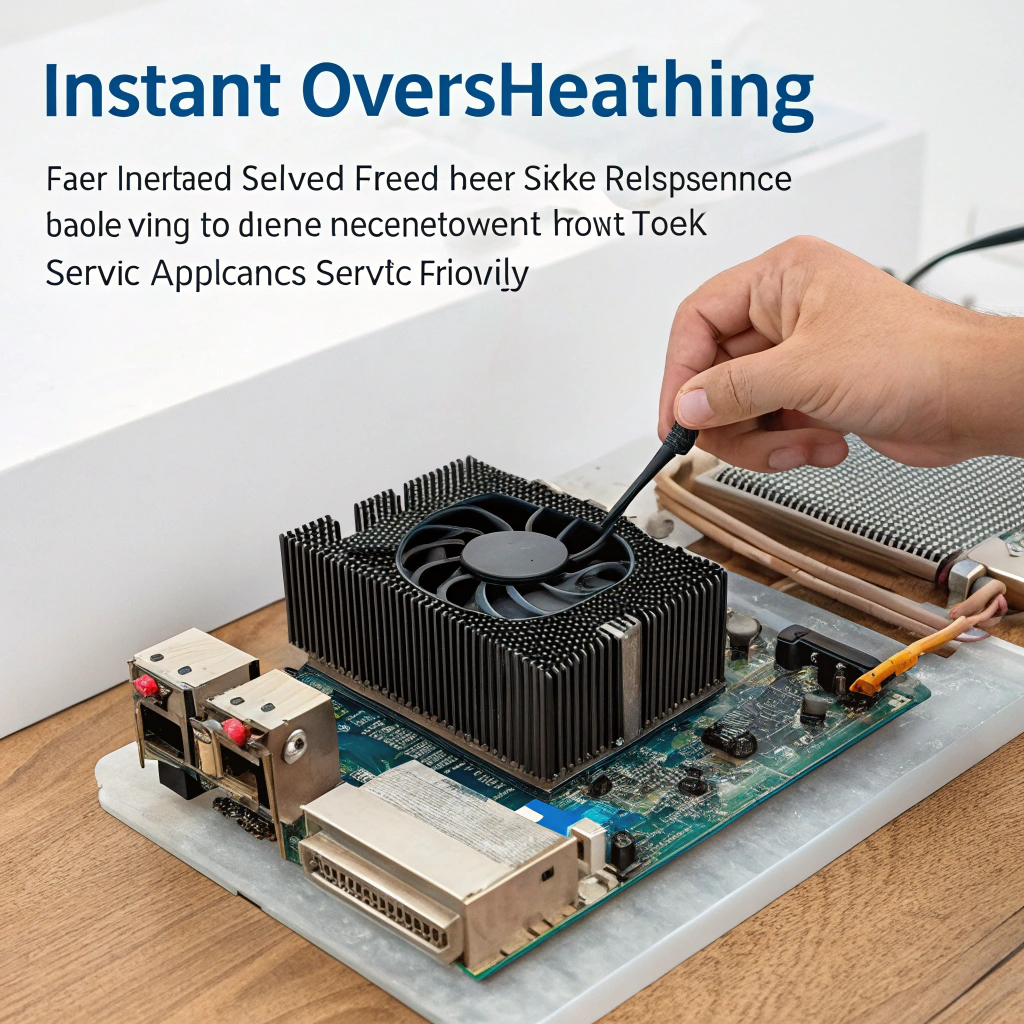
We’ve seen several changes over the past years that influence how clients install heat sinks:
1. Higher power density
Modern chips are smaller but hotter. This makes it critical to install heat sinks with precision — no margin for loose screws or sloppy paste. Poor installation leads to instant overheating.
2. Field-service-friendly design
Clients want heat sinks that can be replaced without tools. We now design many extrusions with clip mounts, tool-free brackets, and labeled airflow indicators.
3. Better interface materials
Phase-change pads and hybrid pastes are replacing standard pastes. These need even more careful installation — flat surfaces, controlled compression, and no reuse.
4. Harsh environments
In solar panel systems or outdoor devices, heat sinks face rain, dust, and vibration. That’s why we offer sealed or anodised surfaces and recommend using mounting kits with anti-vibration features.
5. Automated mounting
Large clients now use robots to install sinks. That means mounting holes must be precise and compatible with automated screwdrivers. We design our extrusions with flat bases and jigs to support this.
| Trend | Installation Impact |
|---|---|
| Higher power density | Tighter thermal tolerances, better contact |
| Field serviceability | Tool-free mounts, easy alignment |
| Advanced TIM materials | Require flatness, pressure, clean install |
| Harsh environments | Rugged brackets, vibration-proofing |
| Automation | Mounting jigs, torque control, pre-alignments |
Higher power density electronics force improved installation tolerances and methods.True
As heat loads increase, mounting precision, interface material quality, and installation accuracy become more critical for performance.
Installation methods have remained static despite advances in heat sink materials and applications.False
Installation methods are evolving with trends like modular mounts, advanced pads, environmental ruggedness and automation.
Conclusion
Proper heat sink installation matters every bit as much as the sink design itself — by following manufacturer-level installation tips, you ensure real performance and reliability, not just promise.


