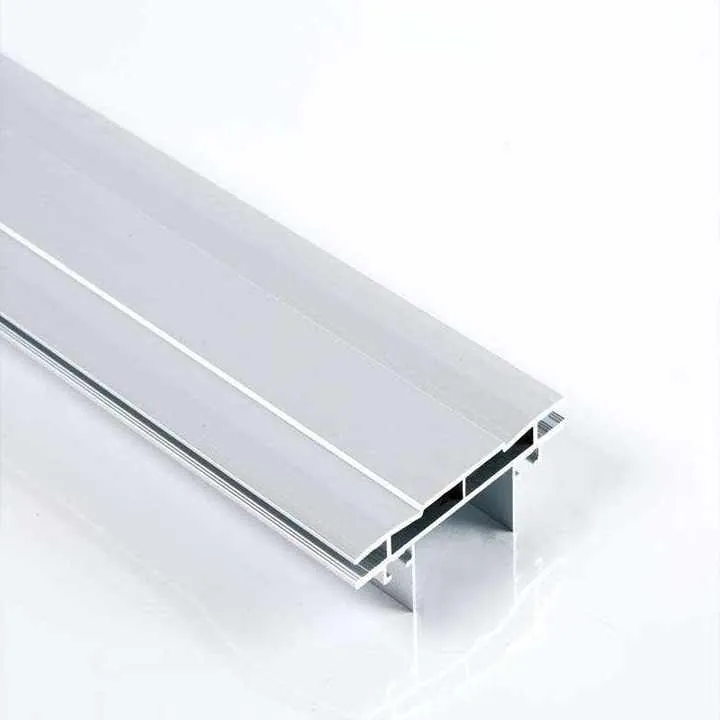

Aluminum extrusion applications in electronics cooling?
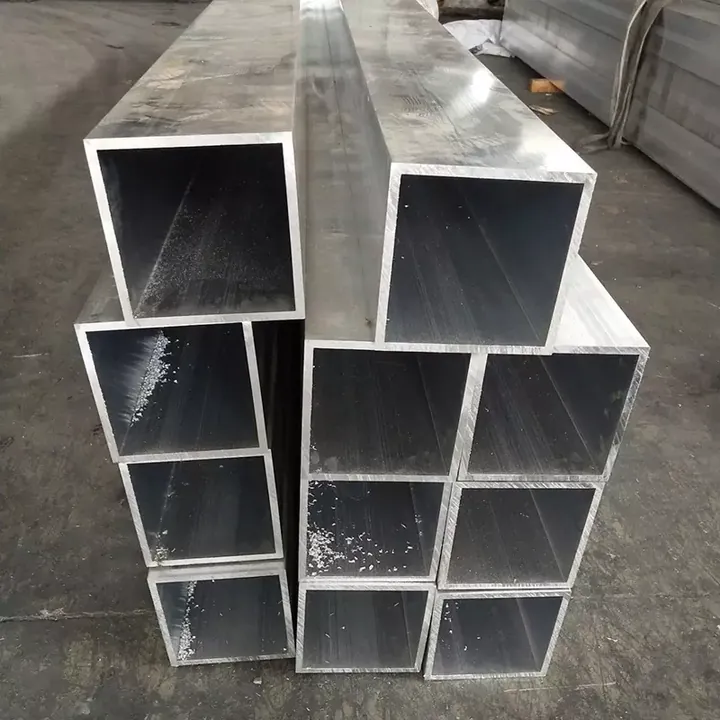
Many electronic assemblies overheat quickly and risk failure.
Aluminum extrusions deliver efficient thermal paths, letting devices stay cool under heavy use.
Proper cooling shapes performance and longevity. Know how extrusion fits these needs below.
Which electronic devices benefit from aluminum extrusions?
Many compact devices heat up in small spaces.
Devices with high power density — like LED lighting, power supplies, amplifiers, and computer hardware — see big cooling gains from aluminum extruded heatsinks or chassis.
Transitioning to extrusion can cut thermal problems and reduce fan reliance.

Detailed view shows how many electronics rely on effective heat spread. Solid aluminum extrusions give paths for heat to escape. Parts like LED drivers, industrial power modules, telecom routers, and desktop GPUs all generate heat. If that heat remains trapped, components degrade or fail. Good cooling extends life and ensures stable performance.
Typical applications
| Device type | Reason it heats up | Benefit from aluminum extrusion |
|---|---|---|
| LED modules & lighting | High current in small LED chips | Stable temperature, longer LED life |
| Power supplies / drivers | Dense electronics, compact layout | Lower component temperature, reliability |
| Amplifiers / audio gear | Power dissipation in small case | Quiet design, passive cooling possible |
| PC hardware / GPUs | High computation heat | Allow fans to be smaller or fewer |
| Telecom / 5G equipment | Continuous load, tight racks | Uniform cooling, dust‑free designs |
In my work I saw a small industrial driver that ran hot and failed intermittently. We replaced its sheet metal enclosure with a custom extruded housing. Heat dissipation improved by about 30%. Failures stopped. That confirms how effective aluminum extrusion can be for electronics.
Using extrusion benefits both repairable devices and sealed units. Extrusions can act as external heatsinks or become part of the internal heat path. They suit small boxes, racks, tall radiators, or long bars. That flexibility makes them ideal for many electronics designs.
Aluminum extruded housings help maintain stable temperatures in power‑dense electronic devices.True
Extruded aluminum offers good thermal conductivity and structured designs, helping dissipate heat from dense circuits.
Aluminum extrusion is unnecessary for low‑power consumer electronics like remote controls.True
Low‑power devices produce minimal heat, so passive cooling is often sufficient without metal extrusions.
How do fin designs improve thermal dissipation?
Sharp deadlines push designers to reuse simple enclosures.
Fin structures on extrusions increase surface area, boosting heat transfer by enabling more airflow and faster cooling.
Fins turn aluminum bars into effective passive heatsinks without extra parts.

Fins help move heat from the aluminum body into air. When a device runs hot, heat travels through the extrusion and spreads along fins. More surface area means more contact with air. Air removes heat by convection, especially if there’s airflow from fans or natural movement. Proper fin spacing and height improve this effect.
How fin geometry affects cooling
| Fin pattern | Airflow impact | Best for |
|---|---|---|
| Straight fins | Good air movement | Standard heatsinks, LED rails |
| Dense low fins | High surface, less flow | Natural convection cooling |
| Wide-spaced tall fins | High airflow, deep reach | Fan‑cooled power supplies |
Design considerations for fins
- Choose fin spacing so air can pass easily. Too close fins block airflow.
- Taller fins help if you expect forced air (fans). Shorter, dense fins can suit passive cooling.
- Shape matters. Rounded or tapered fin tips reduce air resistance.
- Extrusion allows long fins with consistent cross‑section — good for long devices, LED bars, or modules.
In a project for LED street lights, we used long extruded fins along the housing. Fans were unnecessary. Even in hot climates, surface stayed under 60°C. That extended LED lifespan significantly. Without fins or with flat housing, the parts overheated quickly.
Extruded fins also integrate easily with other features. The extrusion die can include channels for wiring, mounting slots, or even decorative shapes. This removes need for extra heatsink attachments. It reduces assembly cost and improves reliability.
Materials matter too. Using high‑quality aluminum with good thermal conductivity ensures heat travels through the base, then into fins. Poor alloy selection or poor thermal contact reduces benefit of fin geometry. That is why extrusion and alloy choice go hand in hand for optimal cooling.
Fins on extruded aluminum greatly improve passive cooling efficiency by increasing surface area.True
More surface exposed to air allows greater heat transfer by convection, thus enhancing cooling without extra parts.
Dense fins always cool better than widely spaced fins.False
If fins are too close air cannot flow well, reducing cooling effectiveness despite larger surface area.
Can extrusions be integrated into PCB layouts?
Some engineers separate chassis and PCBs.
Yes. Extruded aluminum parts can double as mechanical housing and thermal paths, connecting directly to metal pads or heat spreaders on PCBs.
That integration removes separate heatsinks and letter‑boxing frames.

Using aluminum extrusions as part of PCB cooling means the board touches the metal housing or a thermal pad. Heat from chips — like CPUs, power regulators, or LED drivers — flows through thermal interface material to the extrusion. The metal then spreads heat along its length and passes it to air via fins or body surfaces.
How integration works in practice
- The PCB mounts using insulated standoffs. Thermal pads press chips or MOSFET modules against a flat surface on the extrusion.
- The extrusion design includes slots or grooves for wiring, screws, and connectors. These features appear in the die from the start.
- Heat spreads inside aluminum, then to external fins or case surfaces. This removes need for dedicated heatsinks glued onto chips.
- For devices needing shielding, aluminum enclosure also provides EMI protection.
I worked on a small power converter where the board sat directly on the base of an extruded case. We used thermal pads under MOSFET array. The base spread heat evenly. Entry vents at one end and exit vents at the other allowed airflow across fins. That design met thermal limits without any fans. The device stayed quiet and compact.
Extrusions also simplify assembly. Instead of attaching multiple heatsinks, designers place the board and snap on the end caps. That cuts labor and cost. It helps when devices need ruggedness: a unified housing is stronger than glued heatsinks.
Some caveats matter. The extrusion surface must be clean and flat to ensure good thermal contact. Thermal pad or paste quality matters. Also, designers must plan for PCB layout and case geometry from start. Retrofitting is harder once parts are fixed.
Aluminum extruded housing can serve as a combined mechanical case and thermal heatsink for a PCB assembly.True
The extrusion provides a solid thermal path and structural support, eliminating the need for separate heatsinks.
You can always retrofit any PCB into an aluminum extrusion housing for cooling.False
Retrofit is difficult if the PCB layout and thermal paths were not originally designed for extrusion integration.
Are there size limits for cooling applications?
Some assume bigger is always better.
Extruded cooling parts work best within practical limits: very small parts may not dissipate enough heat; very large parts increase cost and complexity.
Find balance between size, heat output, and design constraints.

Aluminum extrusions suit devices from small LED drivers up to large rack‑mount equipment. But some limits exist. Thin heat‑sink fins or very small extrusions may not give enough surface area. Extremely large housings become heavy and costly. Design and manufacturing constraints matter.
Practical size ranges and challenges
| Scale of device | Typical extrusion size | Cooling suitability | Common use cases |
|---|---|---|---|
| Small modules | ~30–80 mm base width | Limited passive cooling | LED drivers, sensor modules |
| Medium devices | ~100–200 mm base width | Balanced cooling and size | Power supplies, amplifiers |
| Large enclosures | >200 mm width | Good dissipation but heavy | Telecom racks, desktop enclosures |
Considerations for extreme sizes
- Small profiles: fins must be thin and close. That reduces airflow and cooling power.
- Very large profiles: extruding thick walls or tall fins increases cost and extrusion time. Tooling cost rises.
- Cross‑section complexity: very complex extrusions become harder to produce and more expensive.
- Weight and integration: large aluminum parts add weight. That may conflict with portability or mounting constraints.
From experience, a mid‑sized housing around 150 mm with fins about 40 mm tall works best for passive cooling in desktop converters or LED drivers. Smaller units often need forced air. Larger units may need structural reinforcement or modular design.
Designers must match device heat output to expected dissipation surface area. Oversized housing wastes material. Undersized housing leads to overheating. A good product design starts with thermal budget, then defines extrusion size that matches it.
Aluminum extrusion is effective for cooling devices ranging from small modules to large enclosures.True
Extrusion can be scaled across sizes, from compact housings to large rack enclosures, offering thermal dissipation appropriate for size.
Very small extruded heatsinks always provide sufficient cooling for high‑power electronics.False
Small heatsinks have limited surface area, so passive cooling may not remove enough heat for high‑power devices.
Conclusion
Aluminum extrusions bring cooling, structure, and build efficiency together.
They fit devices needing heat control, allow fin‑based heat dissipation, can integrate with PCBs, and scale across sizes.
Pick the right size, fin design, and integration to optimize cooling for your electronics.